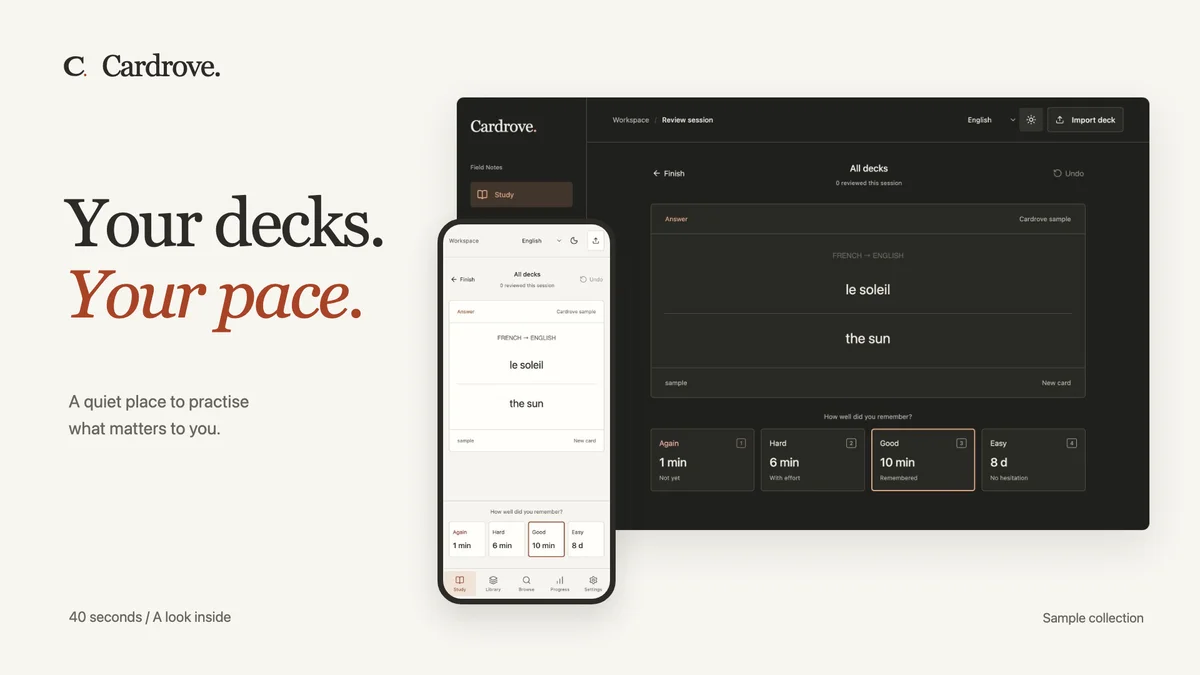
Starting with a deck you already have
Cardrove started with a practical idea: take an existing Anki deck and give it a place in the browser. Open it on a computer when you’re at your desk, then pick it up on a phone when that’s more convenient.
I built the study app around that loop. Import a supported .apkg, think of the answer, reveal it, and rate your recall. FSRS schedules the next review. The app also includes the less visible parts of keeping a collection usable: editing notes, finding cards, undoing a review, and backing up your work.
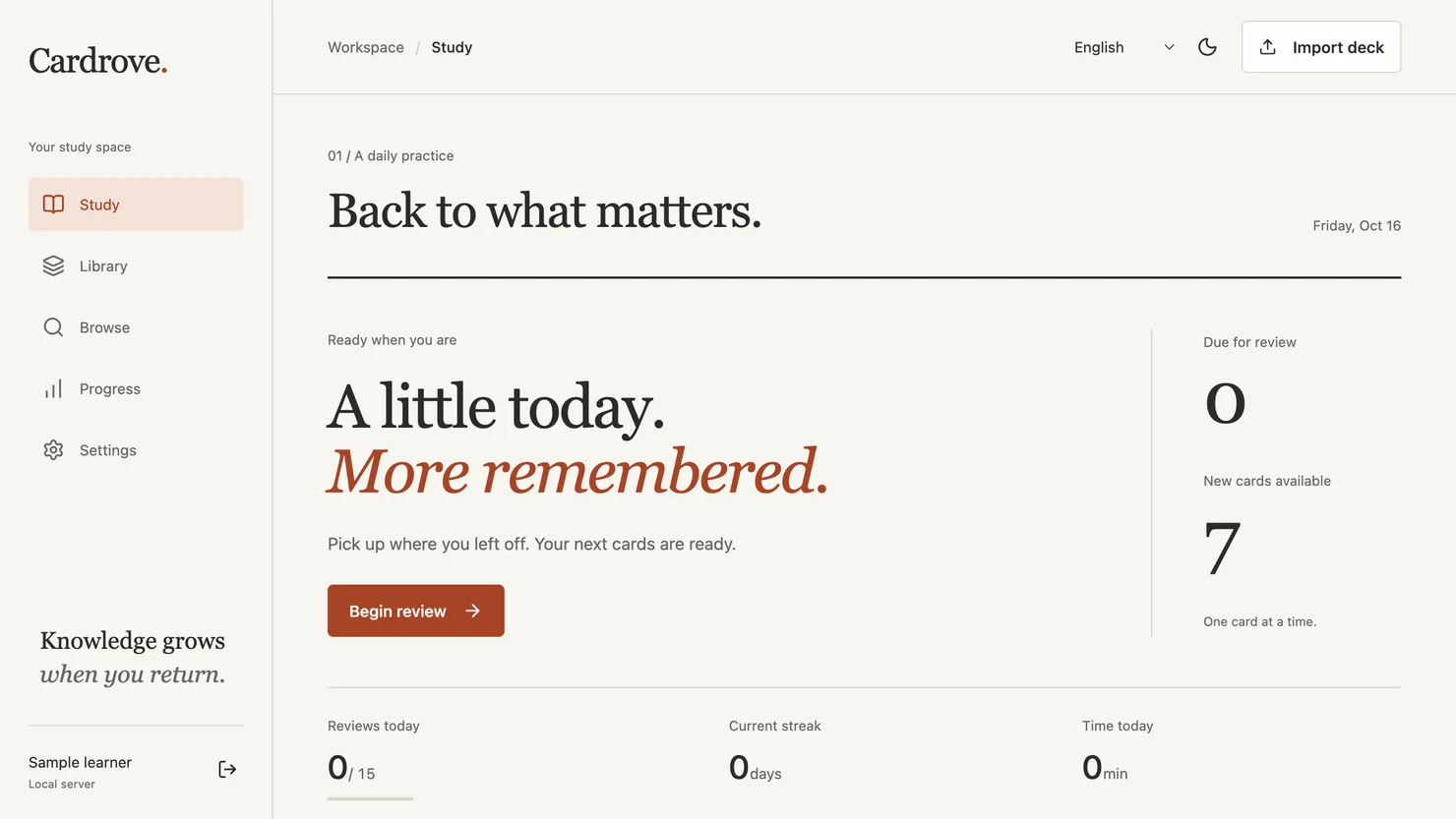
The study workspace uses an original sample collection. Personal decks and media aren’t included in the repository.
Keeping the answer out of the way
The answer is hidden until you ask for it. On desktop, Space or Enter reveals it and keys 1 through 4 record the rating. On a phone, the review controls sit within reach, with a layout built for the narrower screen.
That sounds like a small distinction, but cards can carry images, audio, and their own styling. The app needs to give that content enough room while keeping the next action easy to find. Imported card HTML is sanitised and rendered in a script-disabled frame; native audio controls sit outside it.
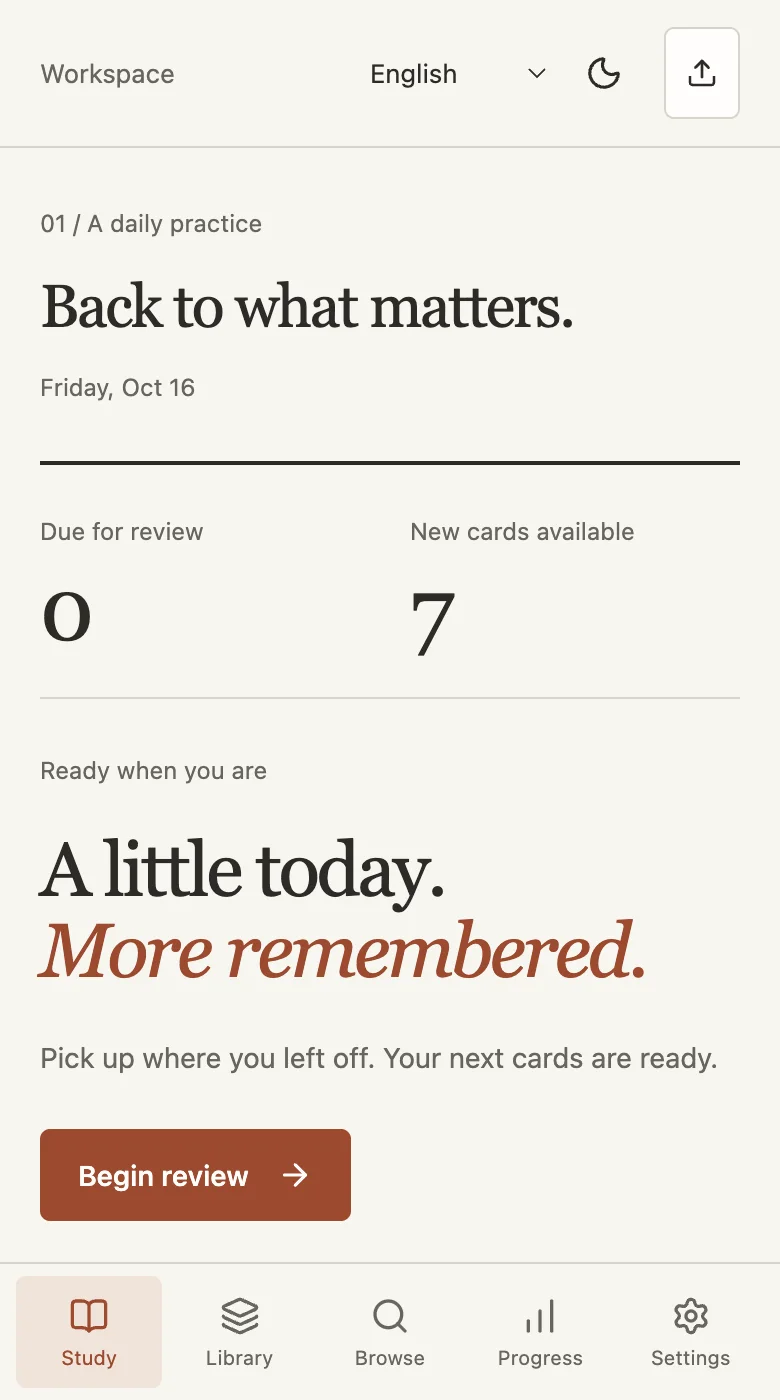
The phone layout has its own spacing and navigation, rather than shrinking the desktop screen.
A short look at the app
The feature tour follows importing a deck, reviewing cards, keyboard ratings, and workspace controls. I made it with Remotion and original sample cards, so the whole sequence can be shown without exposing a personal collection.
A silent feature tour. The video is a pre-rendered MP4; the site doesn’t load a Remotion player to show it.
Running it locally or across devices
The Svelte and TypeScript app can run locally on Node.js with SQLite. For connected-device access without keeping a home server online, the frontend runs on Cloudflare Pages and Supabase handles the API, database, private media, and device sessions.
Each installation has one owner. Additional devices connect to that same collection and review history. The first-device setup creates an access code for later devices, and the owner can replace it or revoke cloud devices from Settings.
The review API also checks versions. If two devices answer an outdated version of the same card, a stale review is rejected instead of silently overwriting newer progress. That’s an implementation detail with a direct effect on the study session: both devices need to agree on what was last reviewed.
What importing an Anki deck means here
Cardrove supports part of Anki’s package and template formats. It doesn’t sync with AnkiWeb or import the original review history. Card scripts, add-ons, Image Occlusion, and some complex templates aren’t supported.
Cloud study needs a connection. Adding the app to the Home Screen gives it a convenient entry point, but doesn’t make reviews available offline. These limits belong in the compatibility guide, where someone can check their deck before moving it over.
Read the compatibility guide, set up an installation, or browse the source.